Dear students,
Your make-up exams for Atatürk’s Principles and History of Revolution (Ataturk’s Principles and History of Turkish Revolution) (AİTT202, AİTT102, HIS102) and Turkish Language-I (TÜR102, TÜR103, TURK102) will be held through our university’s learning management system, on the day and time specified in your make-up exam schedule, in the relevant laboratories of our university under supervision.
How will I log in to the exam?
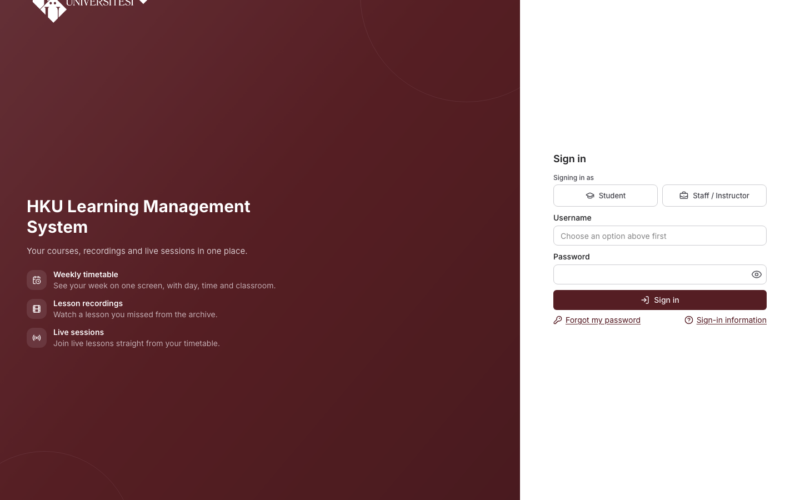
You can log in to your exam with your OBS username and password at lms.hku.edu.tr from the computers in the relevant laboratories of our university on the day, at the place and time specified in your make-up exam schedule.
Important note: Students who do not have an OBS username and password, or who cannot log in to the LMS with their OBS password, can obtain an OBS username and password from the Student Affairs Office and log in to the LMS.
You can access the Hasan Kalyoncu University Learning Management System Exam Module user guide at https://rc.hku.edu.tr/wp-content/uploads/sites/15/2020/11/sinav-ogrenciler-icin.pdf.
Exam duration, scope and rules
- You must attend your exam bringing your student ID and identity document. Students who do not have their identity documents or whose documents are incomplete will not be admitted to the exam.
- The exams of students who do not take the exam in the laboratory specified in the exam schedule during the relevant day and time will be considered invalid.
- The Atatürk’s Principles and History of Revolution and Turkish Language make-up exams consist of 20 multiple-choice questions and last 25 minutes.
- You have only one attempt for the make-up exams.
- If you experience a technical problem arising from our university’s distance learning management system during the exam, it is important that you notify the relevant exam proctor immediately so that the problem can be resolved.
- Students who experience technical problems during the exam due to reasons arising from our university’s distance learning management system, or who cannot complete their exam because of such technical problems, must submit their justification on the matter, together with supporting information, to the relevant dean’s office/directorate by the end of working hours on the first business day following the day of the relevant exam.
Points to note and recommendations to avoid technical problems in your exams
You may take the recommendations below into consideration to prevent technical problems that may occur in your online exams.
- After you press the button to start your online exam, a countdown timer will start, and your exam will begin when this timer reaches zero. In this way, you can prevent congestion in the system and avoid possible freezing problems.
- After you complete your exam, you will see a notification in the system indicating whether your exam has been completed. In this way, you can check whether your exam has been completed successfully.
- If you experience technical problems during your exam, such as being unable to move to the next question, being unable to flag a question, or being unable to see a question, you can close the browser without pressing the finish exam button and try to restart the exam through the LMS.
We wish you success in your exams.
Distance Education Application and Research Center (UZEM) Directorate