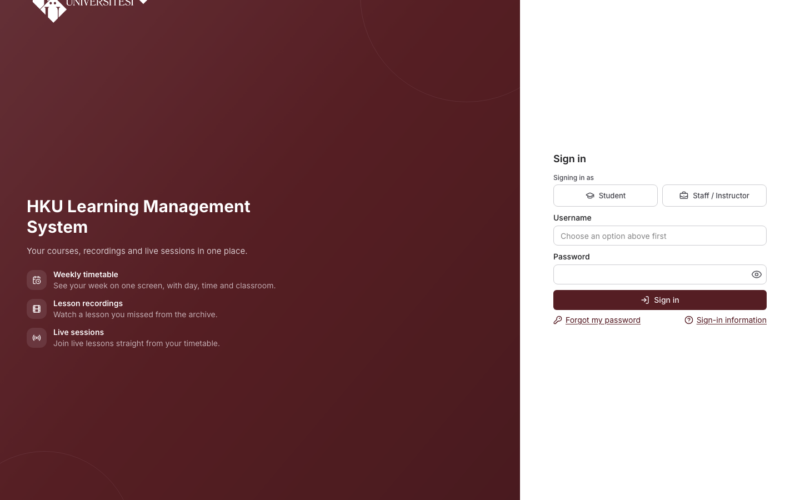
Note: The OYS has been replaced by the LMS. This content belongs to the old OYS exam system. For current information, please see the LMS renewed announcement.
Dear students,
You may take into consideration the recommendations below to prevent technical problems that may occur during your online exams. We wish you success in your exams.
1- Before an online exam/assignment, it is recommended that you check whether you can log in to the LMS (lms.hku.edu.tr) with your institutional username and password. You cannot log in to the LMS with your OBS password (except for instructors assigned from outside the university). If you do not remember your password, you can renew it on the Portal “Forgot Password” page (https://portal.hku.edu.tr/forgot-password). Since this process may take time, it is recommended that you do it in the days before your exams begin.
2- Before an online exam/assignment, check whether your course is visible in the LMS. Courses with an advisor-approved course registration in the OBS appear in the LMS. If you cannot see a course, check whether your course registration has been approved; if the problem persists, apply to your department.
3- Open the system at least 15-20 minutes before your online exam begins. After you press the button to start your exam, a countdown timer will start and your exam will begin when this timer reaches zero. In this way, you can prevent congestion in the system and avoid possible freezing problems.
4- If your internet connection is lost before you complete your exam, you will be logged out of the system without having completed the exam. To prevent this problem, keep a tablet, mobile phone or similar device with you as an alternative. Also make sure that you have an alternative internet connection. If you do not have sufficient internet infrastructure at home, you may come to our university and use the school’s internet infrastructure and computers. If you experience such a problem, your exam will resume from where you left off once you resolve your connection/device problem and log in to the system again.
5- After you complete your exam, you will see a notification in the system indicating whether your exam has been completed. In this way, you can check whether your exam was completed successfully.
6- If the duration of your exam is insufficient, the course instructor may be able to extend the duration of your exam. In this case, your exam resumes from where it left off and only the duration is extended.
7- In case of a technical problem or connection problems that may occur in the systems, it is recommended that you simultaneously back up the answers to open-ended questions in your exams in programs such as Word.
8- Problems in multiple-choice exams such as being unable to move to the next question, being unable to mark a question or being unable to see a question, and problems in file-upload exams such as the system freezing or the file failing to upload while uploading, indicate that you are experiencing an internet connection problem originating from your internet service provider or the servers. In this case, you may try to reconnect to the internet through an alternative device and resume the exam from where you left off. It is also of great importance that you inform the course instructor of the situation without losing time and document the problem.