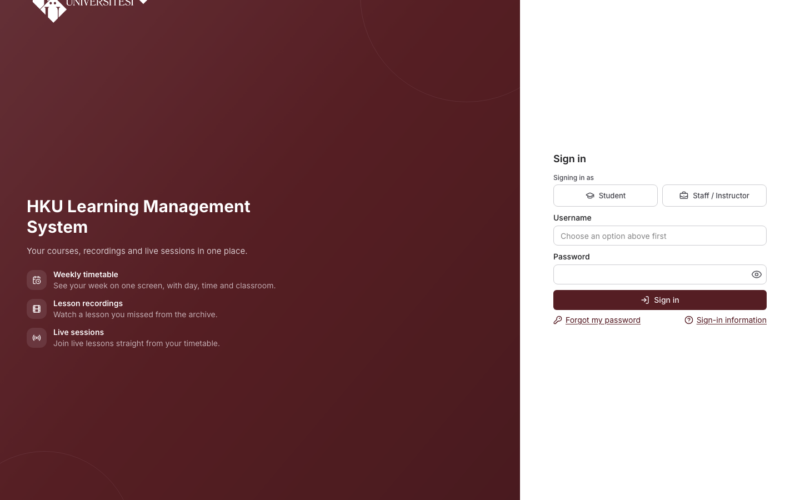
Note: The OYS has been replaced by the LMS. This announcement is for information only. For current information, please see the LMS renewed announcement.
Dear students,
The login information for the Learning Management System (LMS), which is used to access the materials of your distance education courses and to attend them live, is provided below.
Address: https://lms.hku.edu.tr
Login information
- Log in with the institutional username and password you use for the University’s e-mail, Portal and wireless network (Wi-Fi) services.
- Username: your student number if you enrolled in 2025 or later; first.last if you enrolled before 2025 (do not add @std.hku.edu.tr).
- You cannot log in with your Student Information System (OBS) password.
Password renewal
If you have forgotten your password, you can renew it via the “Forgot Password” link on the Portal. A verification code is sent to the mobile phone number registered in the system. Your new password must not contain any part of your first name or surname. Portal – Forgot Password
For the current login rules and other user groups, please see the LMS announcement. To get support: E-mail: destek@hku.edu.tr · Portal: open a support request via portal.hku.edu.tr (https://portal.hku.edu.tr/destek/yeni-talep, login required; category: LMS / Distance Education) · HKU Mobile: open a support request from the app.