Note: The OYS has been replaced by the LMS. This content belongs to the old OYS; live classes are now held via Zoom. For current information, please see the LMS renewed announcement.
Procedures to follow for logging in to the Learning Management System (LMS)
- To use the system without problems, you need to use the Internet Explorer browser.
- Before logging in to the system, Flash Player must be installed on your computer. (Flash Player is no longer supported; an up-to-date browser is sufficient.)
- You can perform the installation here.
- If Flash Player has been installed, you can test it and enable Flash Player here. (Flash Player is no longer supported; an up-to-date browser is sufficient.)
- After the installation and activation process, we need to install the Adobe Connect application.
- For Windows, install here
- For Mac, install here
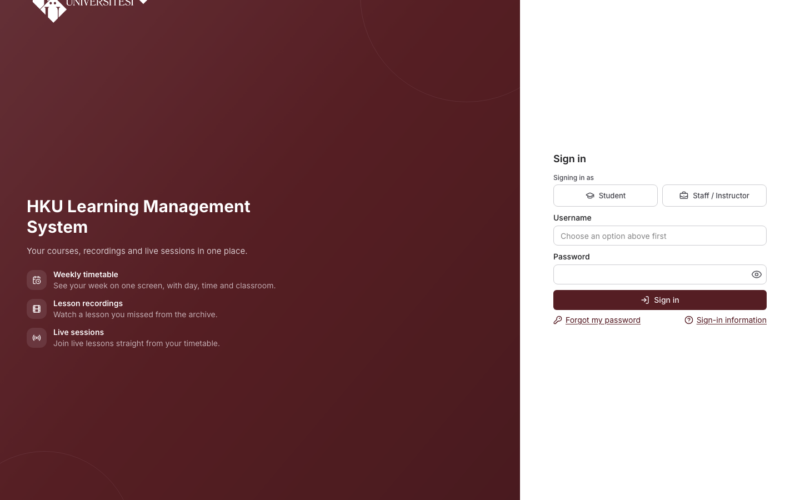
- To access the system, you can open lms.hku.edu.tr in Internet Explorer and log in with your OBS username and password. If you experience login problems with your OBS username and password, you can update your password on the OBS password reset page and try again.
- After logging in to the system, you can review the LMS user guide on the use of the LMS.